First access

The first time you access My Desk is through the Run2biz Marketplace. To begin, follow the steps below:
- Go to run2biz.com ;
- Click on Marketplace in the main menu;
- Click on My Desk in the submenu that appears;
- You’ll be redirected to the My Desk page;
- Click on Try for Free;
- You’ll be taken to the registration page;
Enter your email and click Register (this email will be used to access the system). You can either manually enter your email or log in using Gmail, LinkedIn, or Outlook.
You’ll receive a confirmation email:
- Go to your email inbox
- Click on Confirm email in the confirmation message
- Complete your registration by filling in the following information:
- First Name: (enter your first name)
- Last Name: (enter your last name)
- Phone with area code: (enter your phone number including your area code)
- Company: The name of your company using My Desk (this name will appear at the top of your My Desk environment)
- Password: Create a password to log in as a manager. It must be at least 8 characters long and include: 1 uppercase letter, 1 lowercase letter, 1 number, and 1 special character
- Click Register: the system will generate your My Desk environment. This may take a few seconds—please wait.
Enter Payment Details
Don't worry. You won't be charged, and nothing will be debited from your card upon registration. The contract will only be finalized after the 30-day free trial ends. NOTE: The cards accepted on our platform are Visa and Mastercard.
- Enter the following information:
- Email: Your registered email (cannot be edited on this screen)
- CPF/CNPJ: Enter your document number (validation applies)
- Card Details:
- Card Number: Enter a valid credit card number;
- Expiration Date: Enter a valid credit card number;
- CVC (security code): Enter the code found on the back of your card;
- Cardholder Name: Enter the cardholder's name exactly as it appears on the card;
- Note: The cards accepted on our platform are Visa and Mastercard.
- Billing Address:
- Country: Select your country from the dropdown
- Address: Enter your street address, number, and hit TAB to auto-fill city/state/zip.
- You may also manually fill all fields by clicking “Fill address manually”
- Optionally check the box: Save my payment details for future purchases
Final Steps
- Click on Start Test.
- The message "Processing" appears on the button while the system communicates with the bank to validate the card;
- The button turns green when the process is accepted;
- You will receive a confirmation email informing you that your environment has been configured and is ready for use.
- Click on the Access Panel button;
- You will be automatically redirected to the 4byz My Spaces application panel, as you are already logged into the marketplace, and it is not necessary to log in again to access this panel. If you are not logged in, you will be taken to a login page where you will be asked for the username and password you created at the beginning of your marketplace registration;
- Below you will see more details about the Panel;
- Click on Access, the first button within the My Desk block;
- You will be automatically redirected to My Desk, as you are already logged into the marketplace.
- My Desk opens to receive all the necessary configurations so that you can enjoy all its advantages and functionalities.
Panel 4biz My Spaces

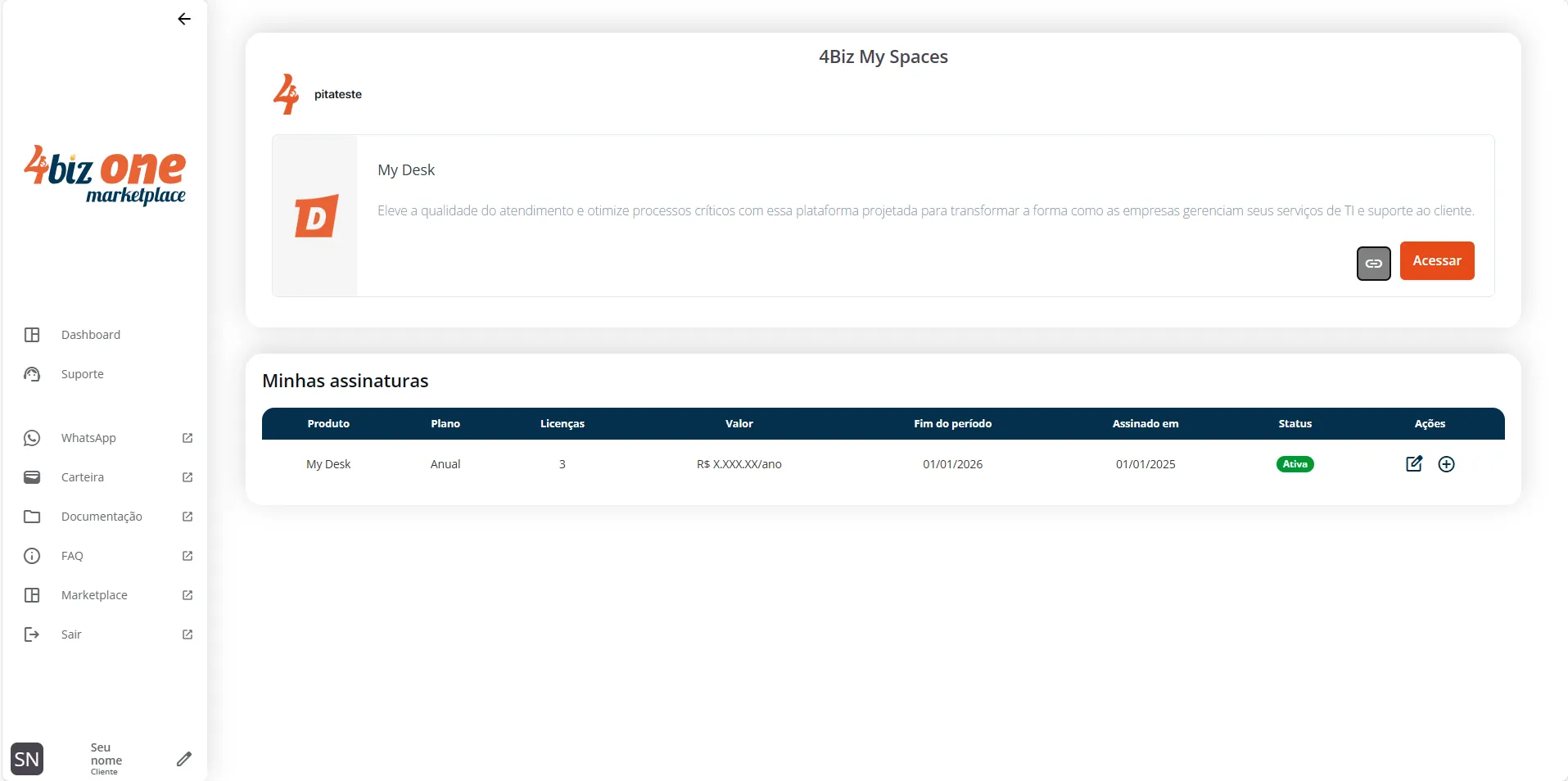
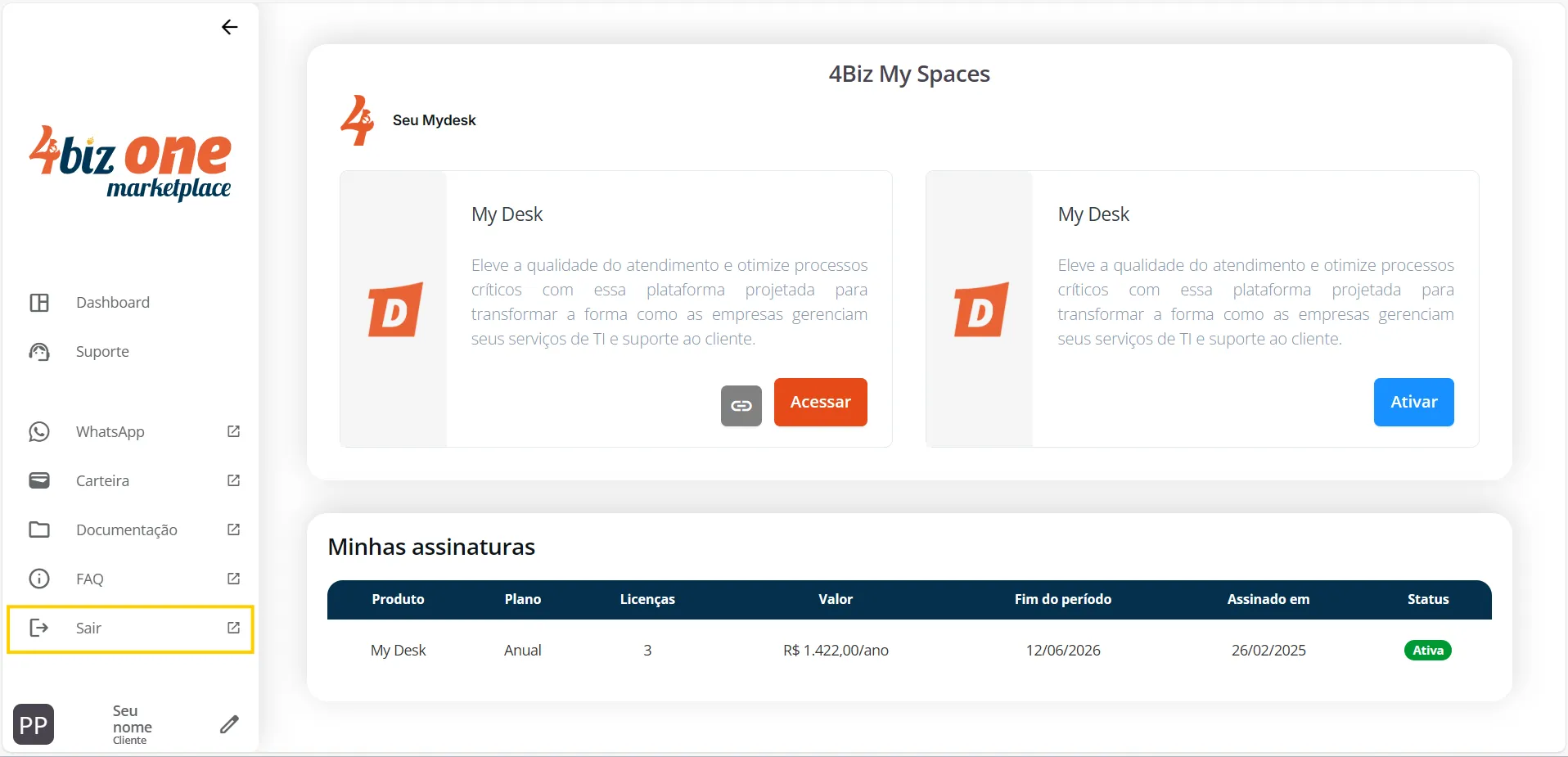
Run2Biz's My Spaces Dashboard provides all the information you need to access and manage your digital products.
The dashboard displays your access space with the most important information.
On the main screen, you’ll see access to My Desk:
- Link Button [ ]: This button generates an access link so that other users or collaborators from your company can log in. The Marketplace is only accessible by the administrator. All other users must access via this generated link;
- Access Button: Direct login link for the My Desk administrator/manager.Na tela principal você visualiza o acesso ao My Desk.
My Subscriptions:
Here you can track the status of your digital product subscriptions in a table showing the following details:
- Product: Displays which product(s) you’ve subscribed to
- Plan: Shows the chosen plan (monthly/annual)
- Licenses: Number of licenses purchased
- Amount: The value of the plan at the time of purchase
- End of Term: The date when the license expires
- Signed On: The subscription start date (first payment date)
- Status: Active or inactive
- Actions:
- Update Subscription: here you can switch between monthly and annual plans or add more licenses
- Add-Ons: Here you can purchase additional features like WhatsApp or ChatBot
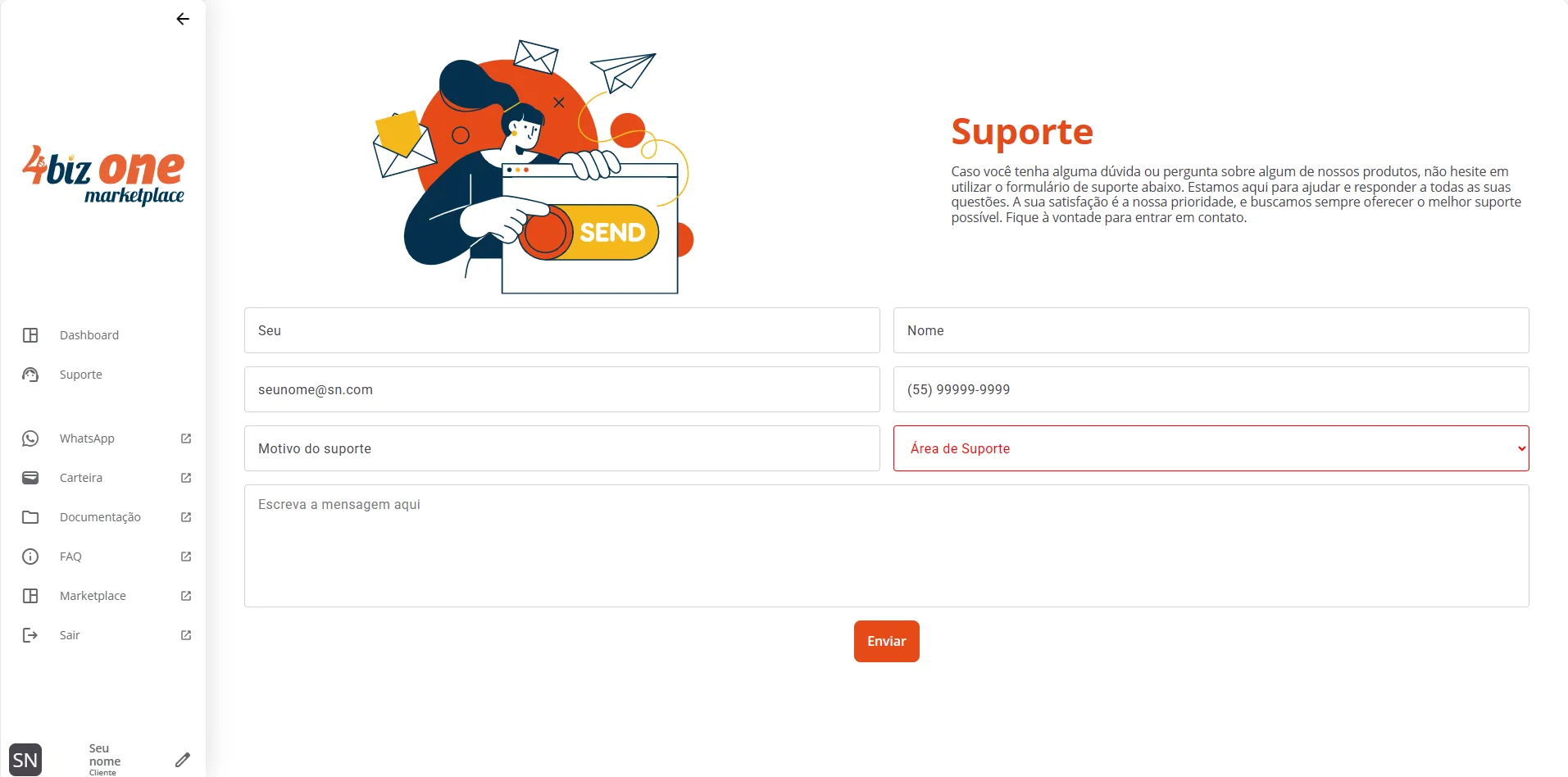
In this menu, you'll find a form to answer any questions you may have.
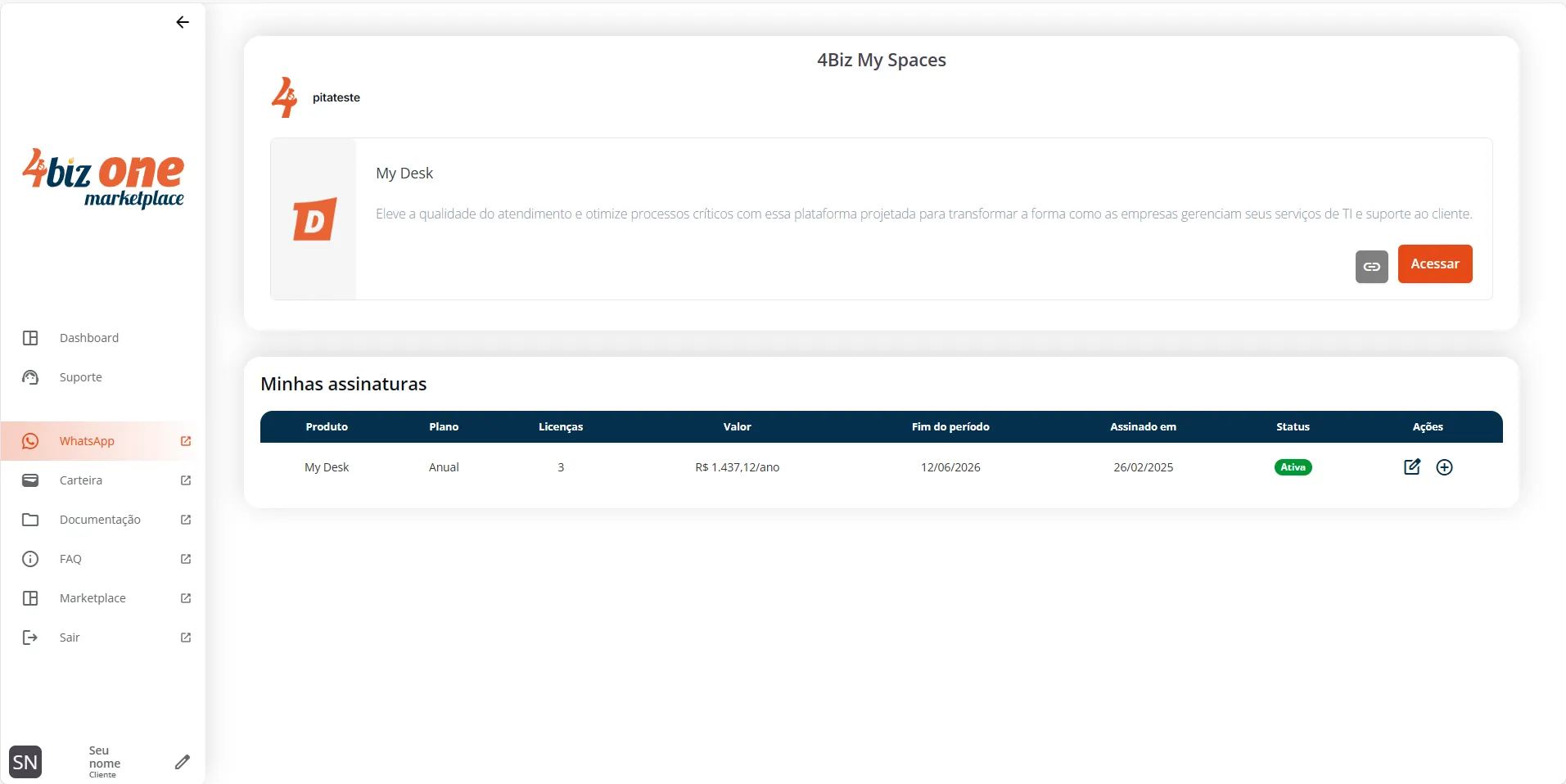
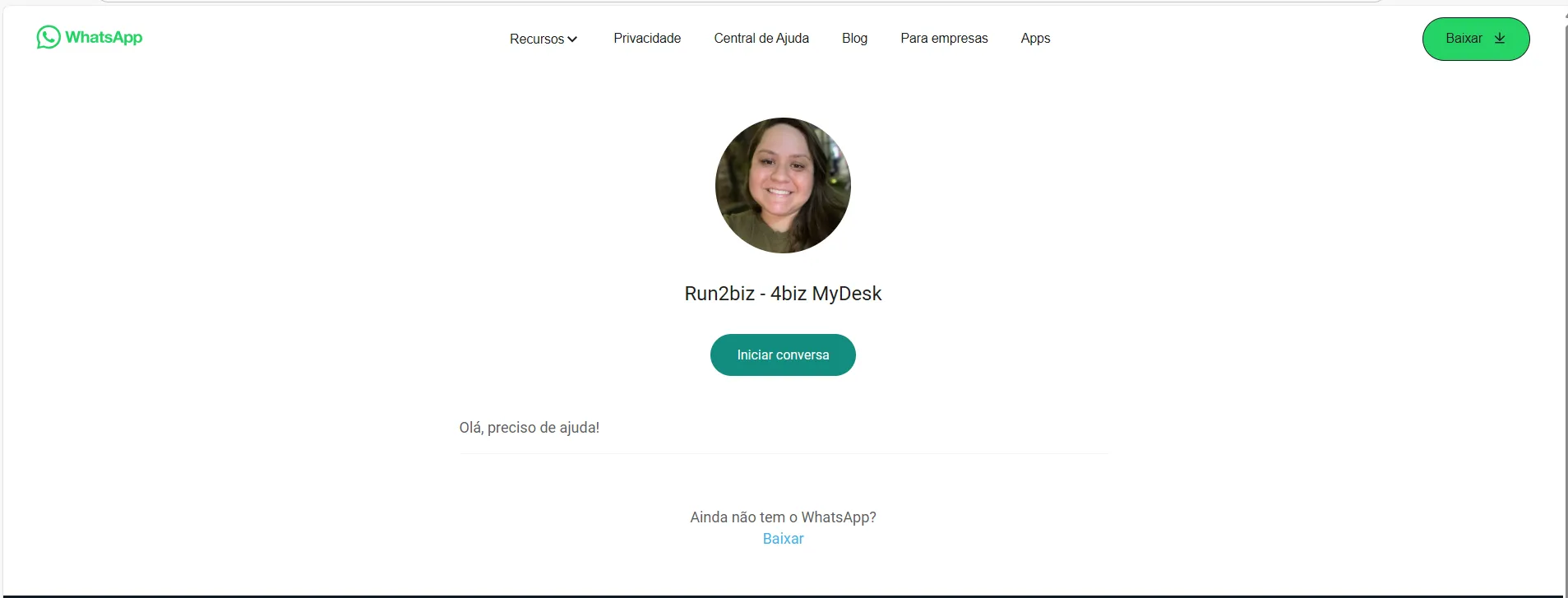
Here you’ll find a link to Web WhatsApp for direct contact with our support team, available during Brasília’s business hours (capital of Brazil): from 8:00 AM to 12:00 PM and from 2:00 PM to 6:00 PM.
To chat with a support agent, just click the [start conversation] link and wait for assistance
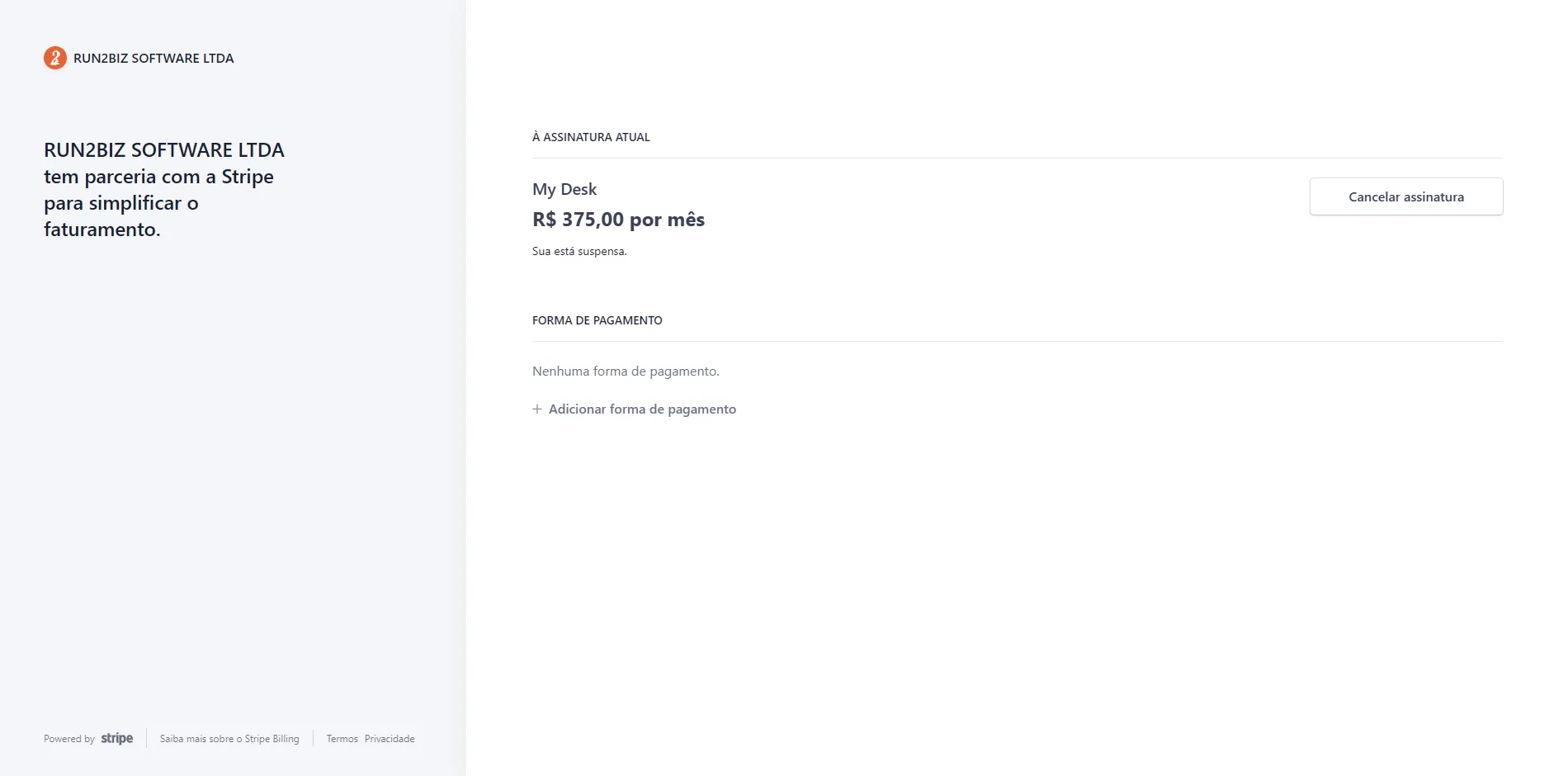
In the Wallet section, you can track your subscription details, such as the amount, subscription status, and you can also request cancellation from this page.
In the Payment Method section, you can see which card was used or add a new one if needed.
Our payment platform currently accepts only Visa and Mastercard.
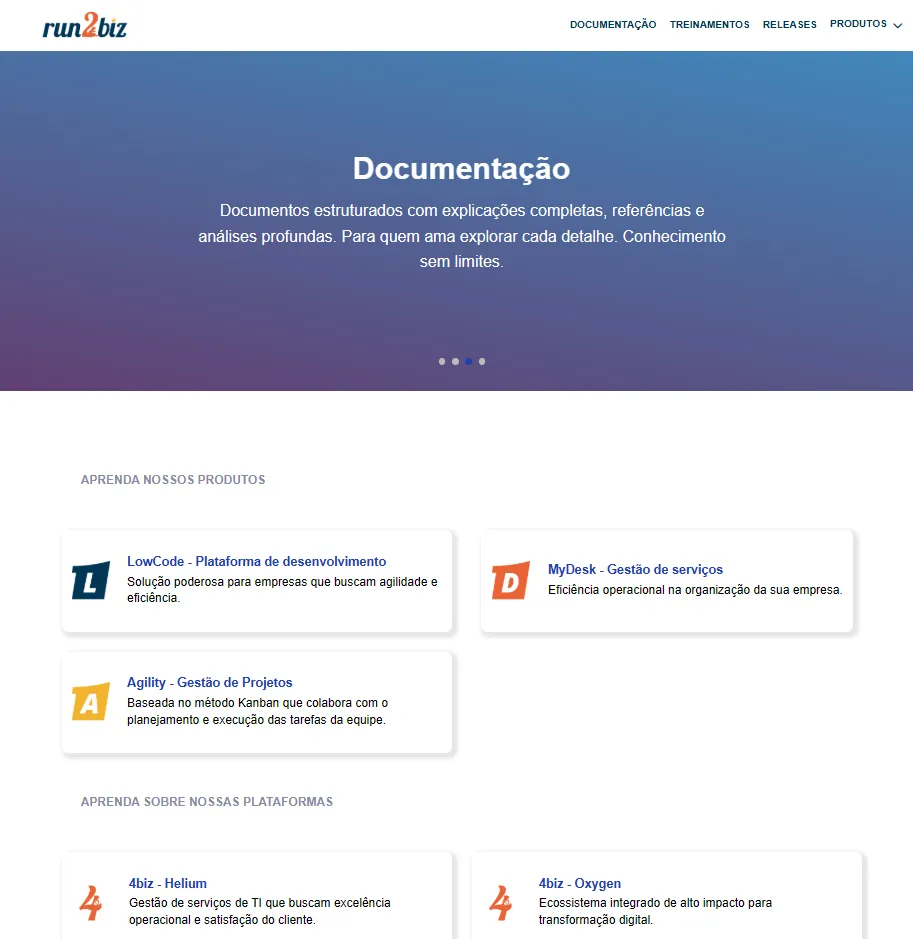
In the Documentation section, you’ll be redirected to our training page. This platform contains everything you need to know to use My Desk, Low Code, or Agility (our digital products), as well as other platforms like 4Biz Helium and Oxygen. When accessing any of the learning platforms, you’ll find step-by-step guides for each feature. There’s also a section with video training to make learning even easier, helping you take full advantage of everything My Desk offers you and your company. You’ll also have access to the Release Notes, with up-to-date documentation of all changes and released versions.
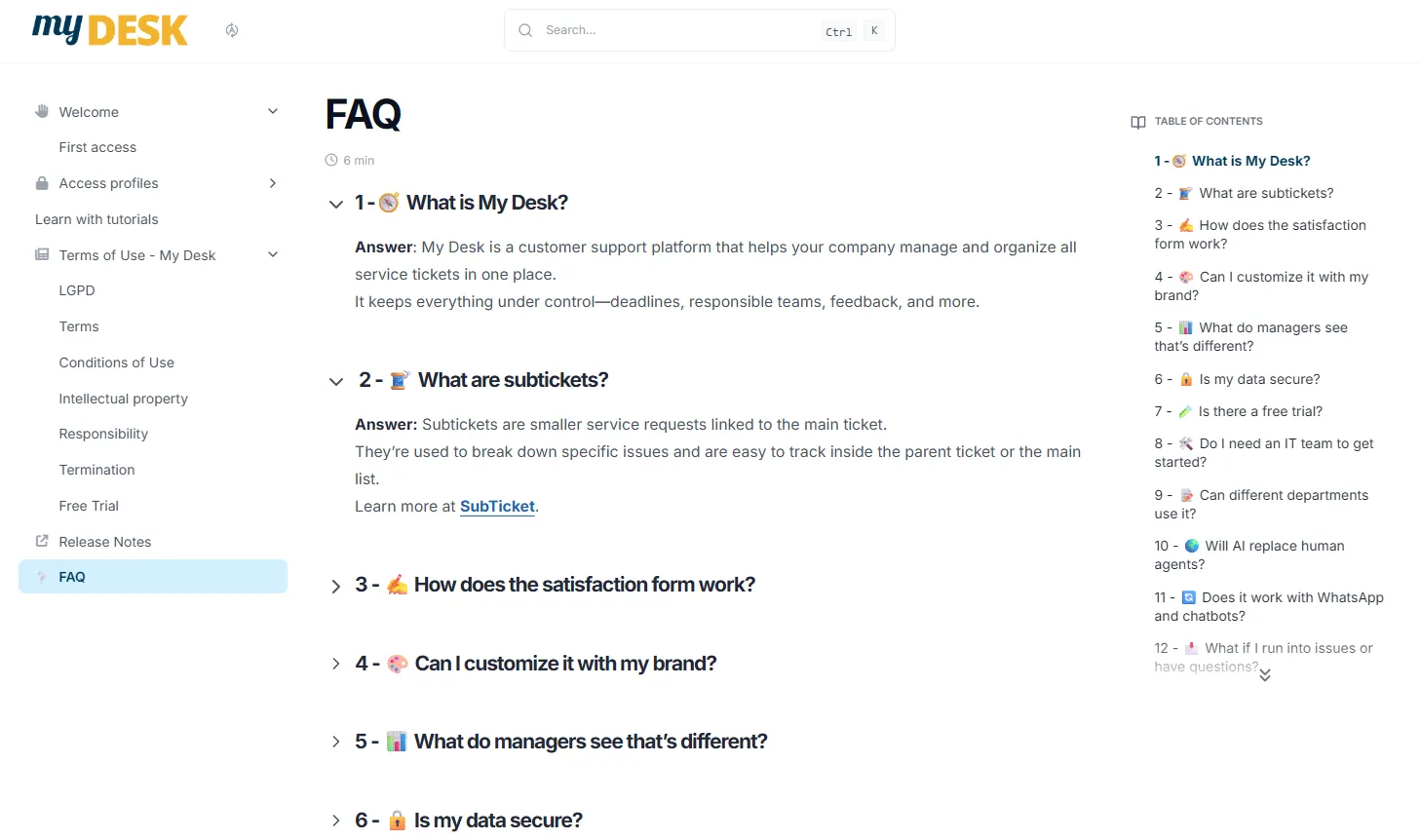
Here at this link you will find answers to the most common My Desk questions.
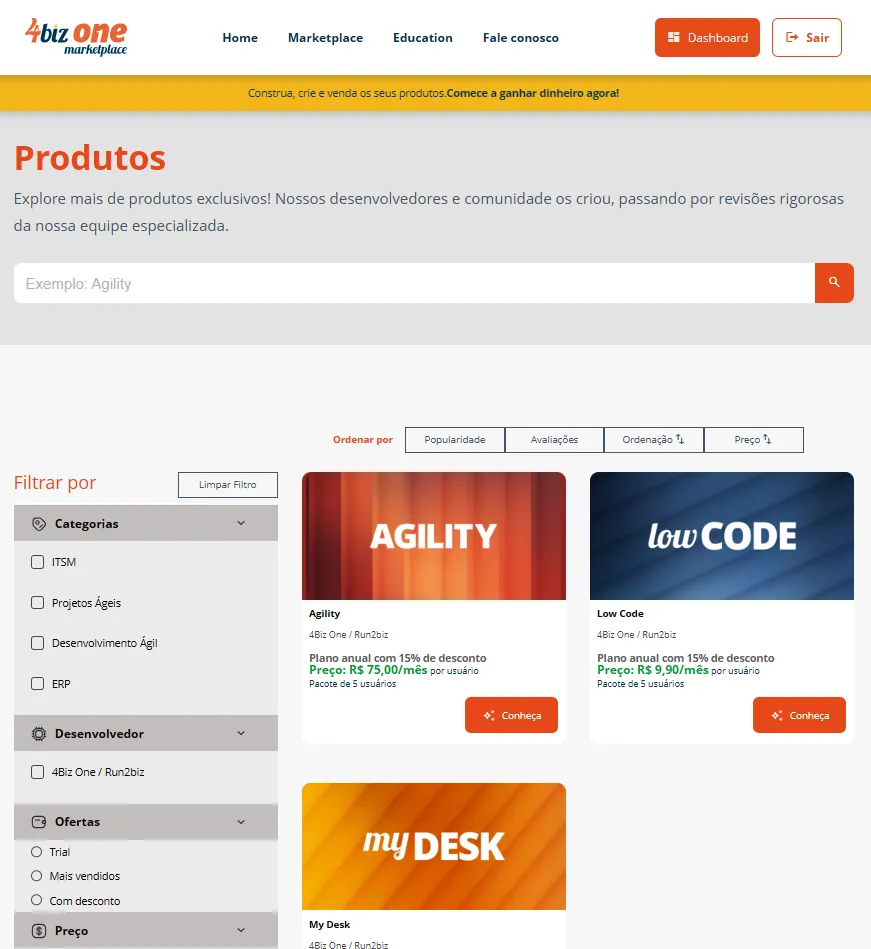
In Marketplace, you'll be taken to our product page. Explore more exclusive products! Our developers and community created them, undergoing rigorous reviews by our specialized team.
Build, create, and sell your products. Create a free account and become our partner!
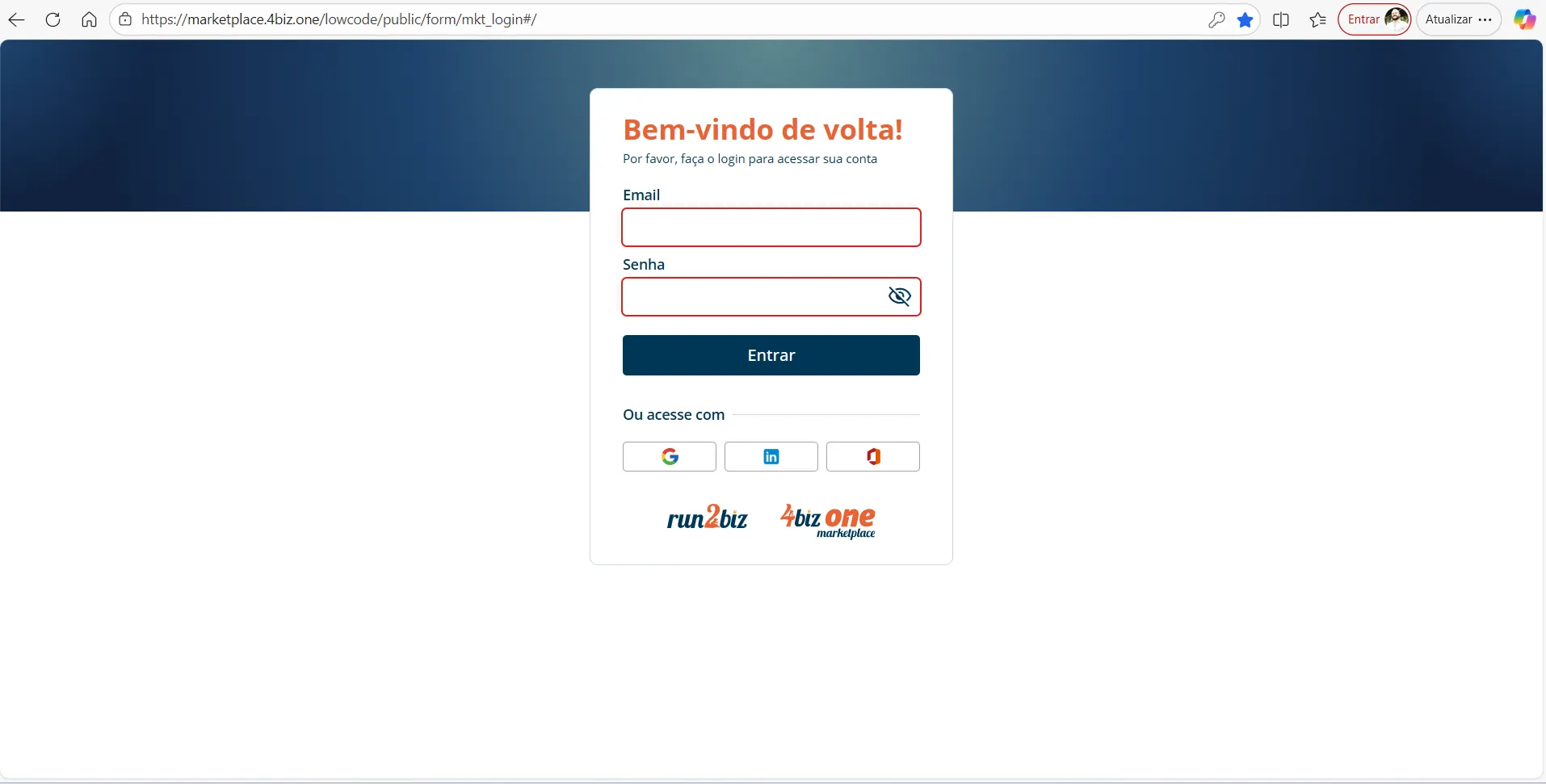
By clicking on Logout, you are immediately logged out of the platform and taken back to the login homepage.
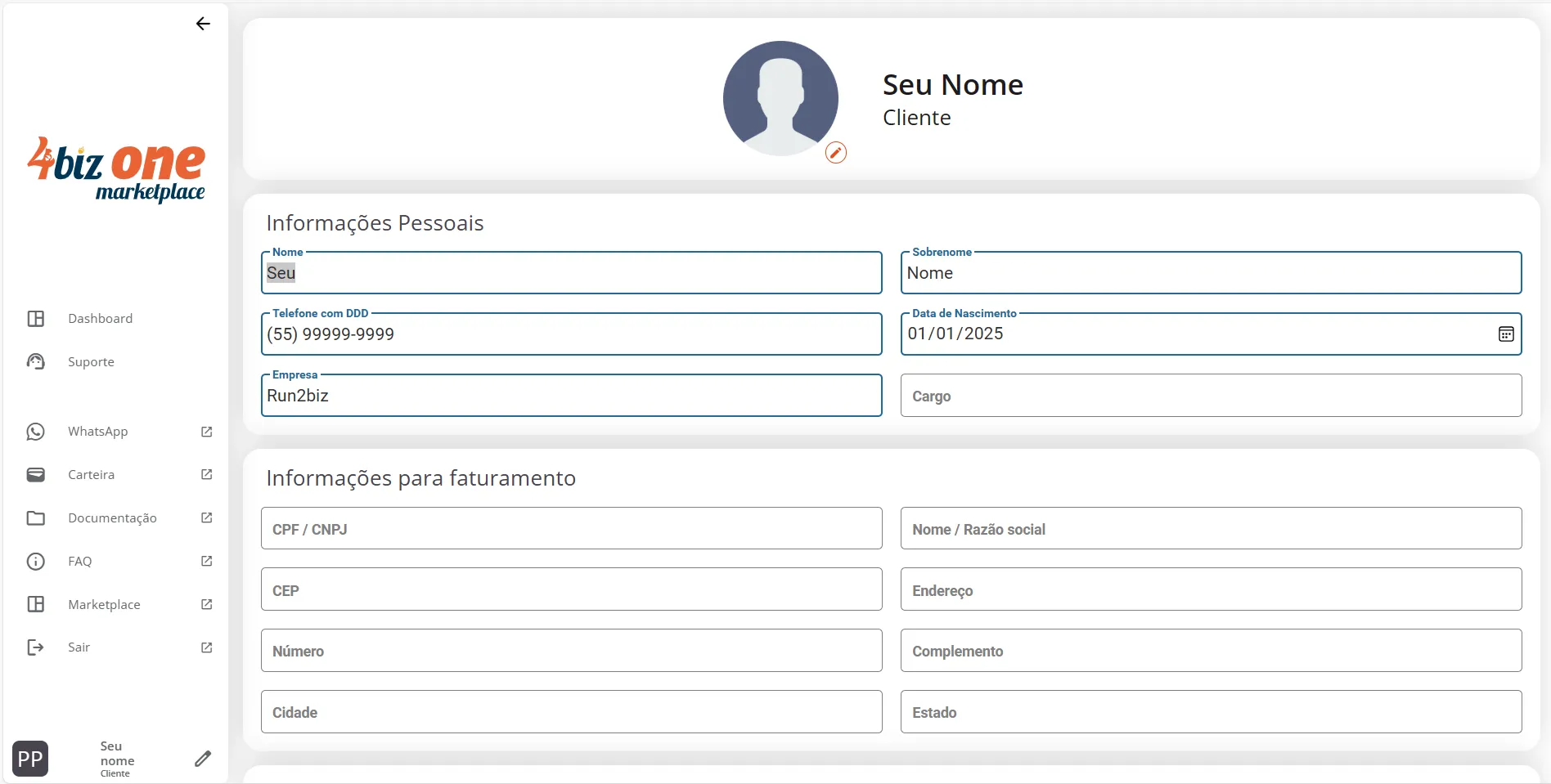
By clicking here, you will be taken to your registration area in our marketplace.
On this page, you can update your information, such as:
- First/Last Name;
- Phone Number;
- Date of Birth;
- Company;
- Position;
- Billing Information:
- CPF/CNPJ (Brazilian ID number or US registration document or passport);
- Name/Company Name;
- Zip Code;;
- Address;
- House Number;
- Additional Information;
- City;
- State;
- Login Information:
- Email;
- Password/Password Reset.
Attention
Although the My Desk system has its functionalities translated into English, its communications, such as the access screen and emails and this page on the marketplace, will only be presented in the language of creation, Portuguese, as can be seen in the images on this page.
In future updates, all communications will be internationalized, with English also being an option.