Parameters
3 min
Administrator
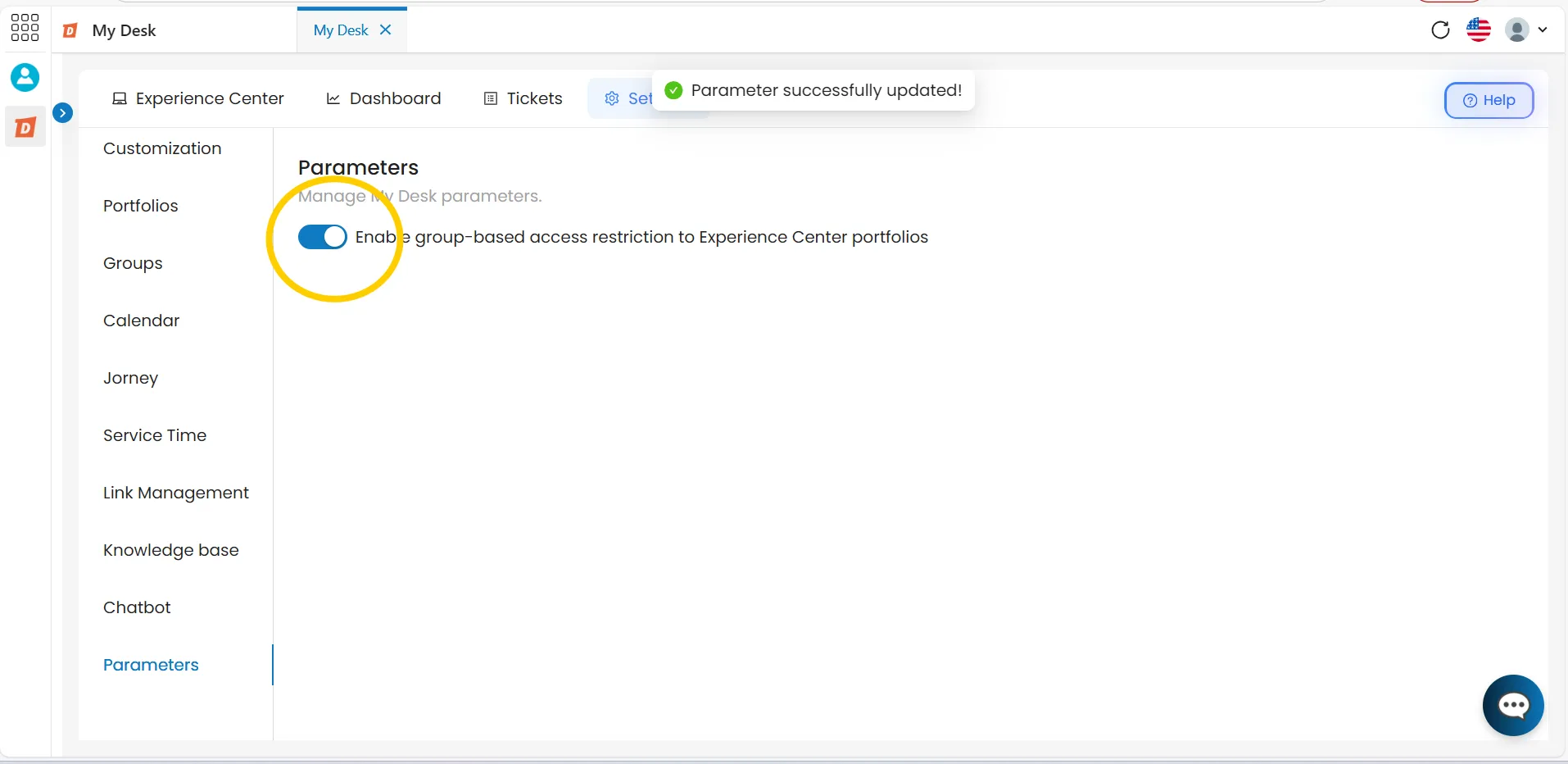
On this page, you can manage the behavior parameters of My Desk.
Each parameter can be enabled or disabled with a click on the corresponding button.
1 - Como acessar
To access, follow the steps below:
Access My Desk
Select the My Desk application from the applications menu.
Click on Settings
In the application's top menu.
Click on Parameters
In the left sidebar menu
A list of all available parameters will be displayed
Click the button for each parameter to enable or disable it
2 - Available parameters